On-device Smart Photo Search
Search the text inside screenshots you save on iPhone.
Send important screenshots and photos to KeepSpot, then search for words inside them. Text recognition runs on your device, and KeepSpot only scans images you choose to add.
Useful for receipts, menus, labels, confirmations, reference images, and the screenshots you actually need later.
- On-device OCR
- Only selected images
- No account
- Searchable context
Choose what matters
A focused library, not another copy of your camera roll.
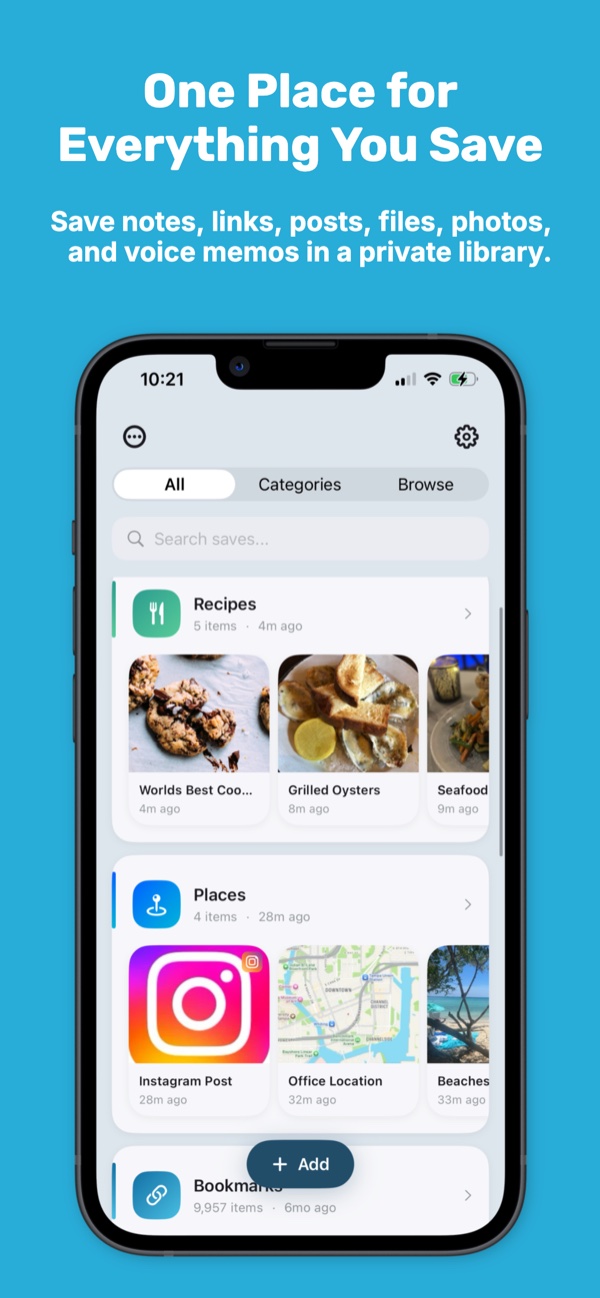
KeepSpot does not automatically scan every photo on your phone. You choose the screenshots and photos worth keeping, then give them the context your camera roll is missing.
- Share an image from Photos or add it from inside KeepSpot.
- Place it in a collection for the project, trip, purchase, or idea.
- Add notes or tags when the meaning is not obvious from the image.
- Delete temporary screenshots from Photos after confirming the important copy is saved.
Find the words later
Turn visible text into a way back.
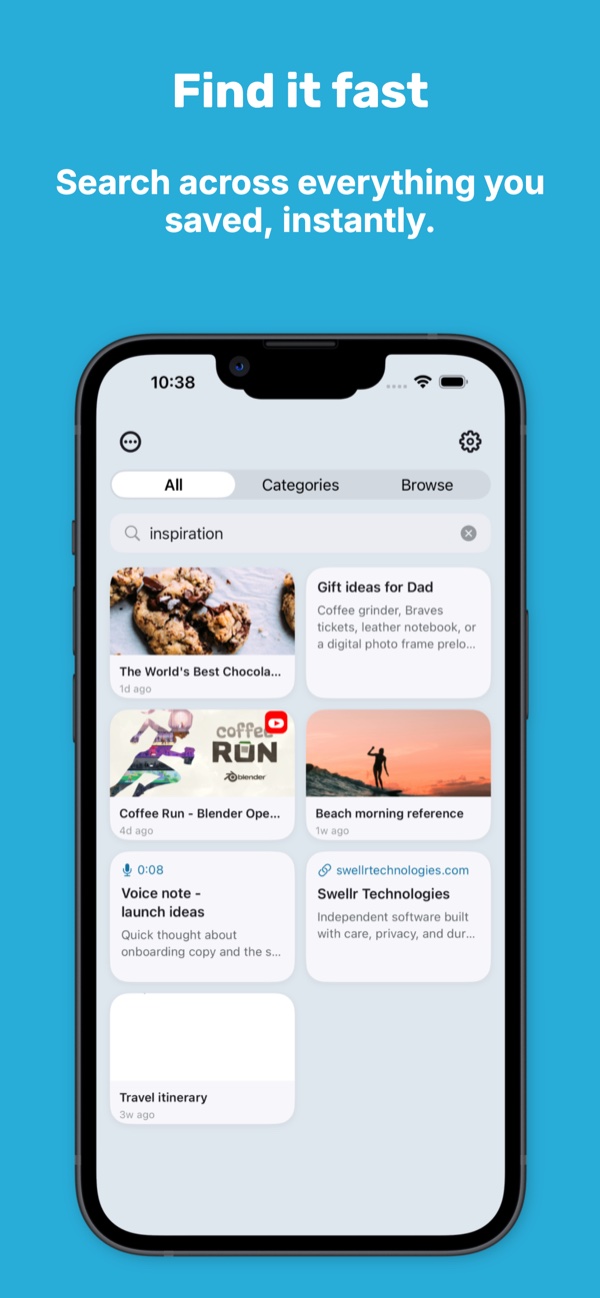
With Smart Photo Search enabled, KeepSpot uses Apple Vision on your device to index text in saved images. Search for a restaurant name, order number, product label, address, or phrase you remember seeing.
Recognition depends on the image
Clear, high-contrast text works best. Small, stylized, blurry, or partially hidden words may not be recognized accurately.
Good candidates
Save screenshots that represent a future action.
A screenshot earns a place in KeepSpot when you expect to find, compare, remember, or use it again.
A simple workflow
From screenshot to searchable reference
- Capture or choose the image
Take a screenshot, select one in Photos, or add a photo from inside KeepSpot.
- Share it to KeepSpot
Use the iOS Share Sheet and add a collection, tags, or a note if they will help.
- Let Smart Photo Search index it
When the feature is enabled, text recognition happens on-device.
- Search by what you remember
Look for a visible word, then use the image and its saved context together.
Questions
Screenshot search FAQ
Does KeepSpot scan my entire Photos library?
Where does the text recognition happen?
Can OCR read every word perfectly?
Do I need Premium for Smart Photo Search?
Explore KeepSpot
Give every kind of save a better home
Make the screenshots you keep searchable.
Choose the useful images, add context, and find them by more than a date.
Get KeepSpot on the App Store