Local-first bookmark organizer
A private bookmark manager for everything worth keeping.
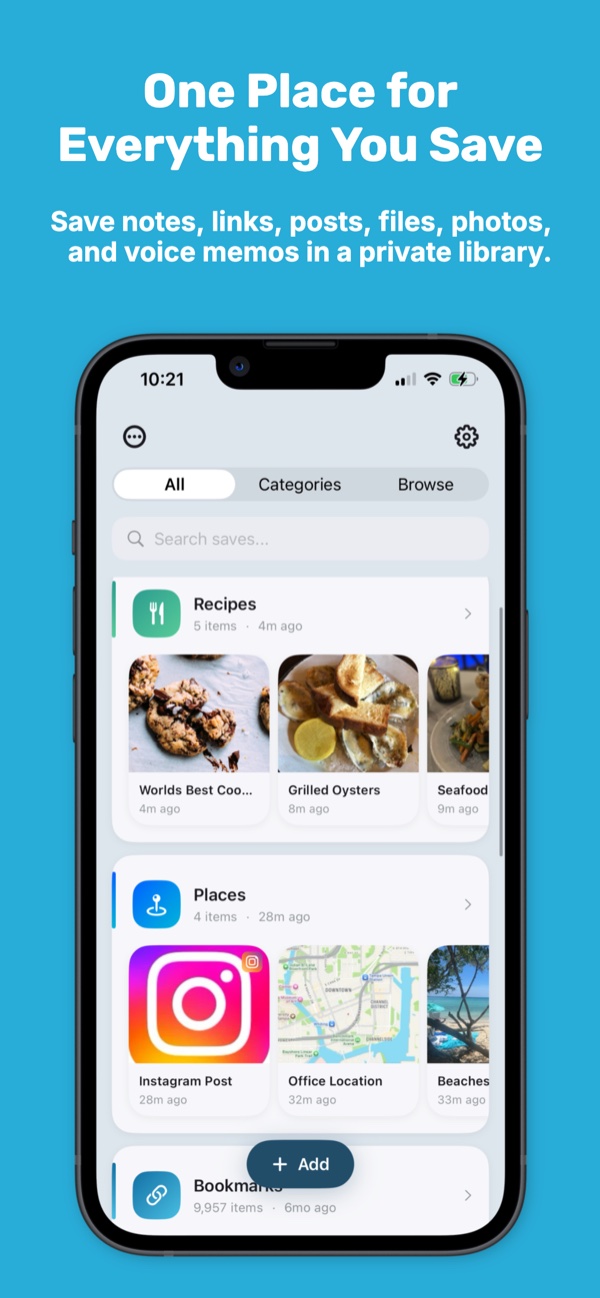
KeepSpot gives links, posts, screenshots, notes, recordings, and files one searchable home on your iPhone or iPad - without creating another account.
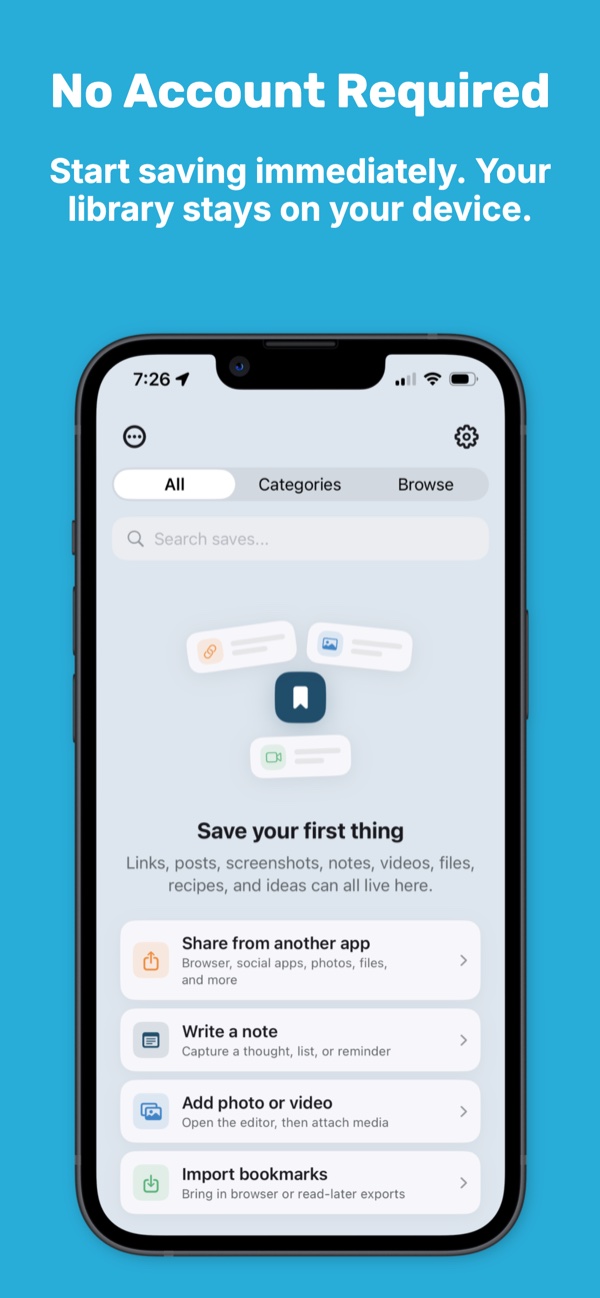
Your library is stored on your device. Optional sync uses your personal iCloud account, not a KeepSpot profile.
- No account
- No ads or tracking
- On-device search
- Optional iCloud sync
Beyond browser bookmarks
Save the context, not just the URL.
A useful bookmark is often more than a page address. KeepSpot can keep the title, image, source link, your notes, attachments, tags, and collection together so you remember why you saved it.
- Share links and supported posts from the app you are already using.
- Add a note or file when the surrounding context matters.
- Group saves into collections for trips, projects, shopping, research, or ideas.
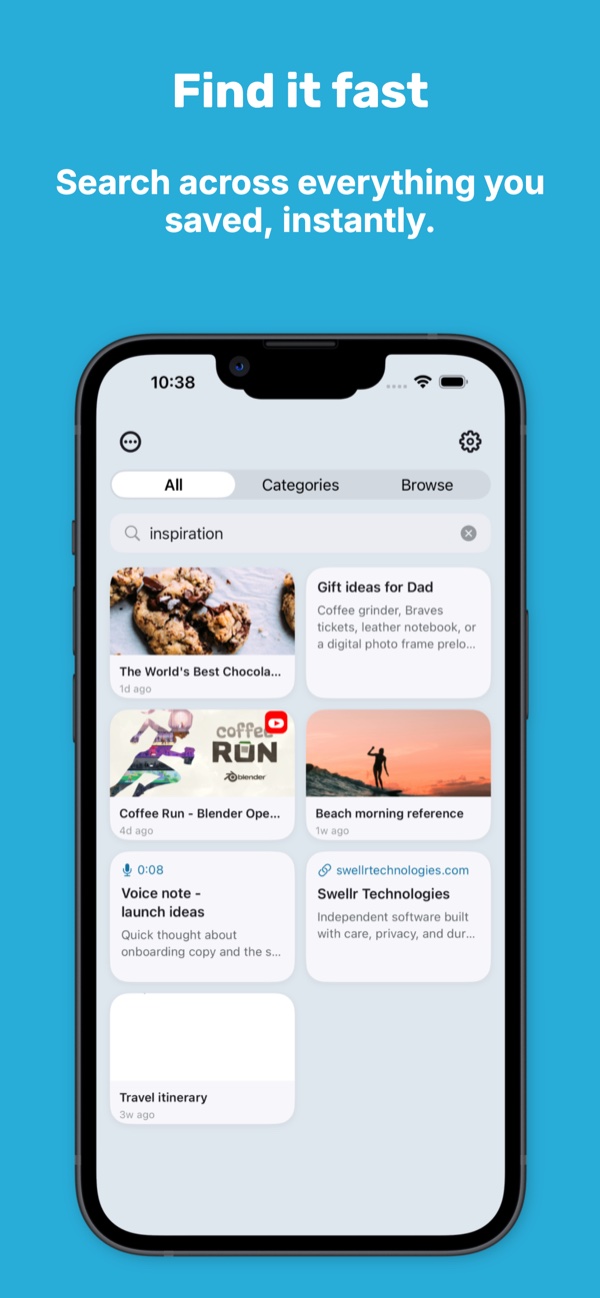
- Search across the library instead of retracing browser history.
Private by design
Your saved library is not an advertising profile.
KeepSpot does not operate servers that store your content. It has no KeepSpot login, advertising SDK, or third-party analytics collection.
Find what you saved
Collections for structure. Tags for overlap. Search for everything else.
Organize only as much as the moment deserves. A quick save can go straight into the library; important items can carry collections, tags, notes, and reminders.
Smart Photo Search can also index text in images you save to KeepSpot, on-device, so a screenshot can become searchable instead of disappearing into the camera roll.
Bring existing bookmarks
Move in without re-saving everything.
KeepSpot supports compatible exports from Safari, Pocket, Instapaper, Raindrop, and the standard Netscape bookmark format.
- Export from the old service first and keep that file as a backup.
- Import the compatible file into KeepSpot.
- Review the library before removing the original export.
Import formats vary
Some services include more metadata than others. Keep the original export until you have confirmed the result.
Questions
Private bookmark manager FAQ
Does KeepSpot require an email address or account?
Does KeepSpot upload my bookmarks to its own servers?
Can I save from apps other than Safari?
Can KeepSpot replace every browser bookmark feature?
Explore KeepSpot
More ways to make saved things useful
A private Pocket alternative
Move an existing export into an account-free, local-first library.
ReadingRead it later on iPhone
Save supported articles in a cleaner view while keeping the original source.
GuideUse the iPhone Share Sheet
Put KeepSpot in Favorites and make saving from other apps faster.
Build a bookmark library that stays yours.
Start free and keep the useful links, images, notes, and files you want to find again.
Get KeepSpot on the App Store