Private reading list
A read-it-later app that keeps the article and its source together.
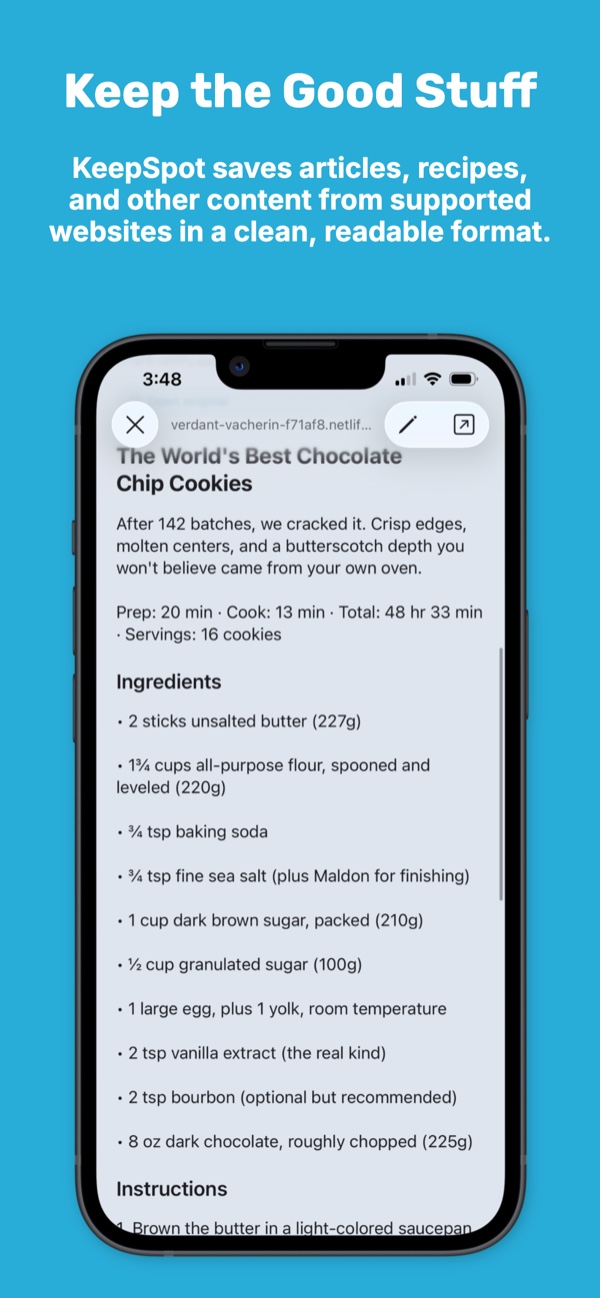
Save articles from Safari and supported apps to a searchable library on your iPhone or iPad. When extraction is available, KeepSpot creates a cleaner reading view and keeps the original link one tap away.
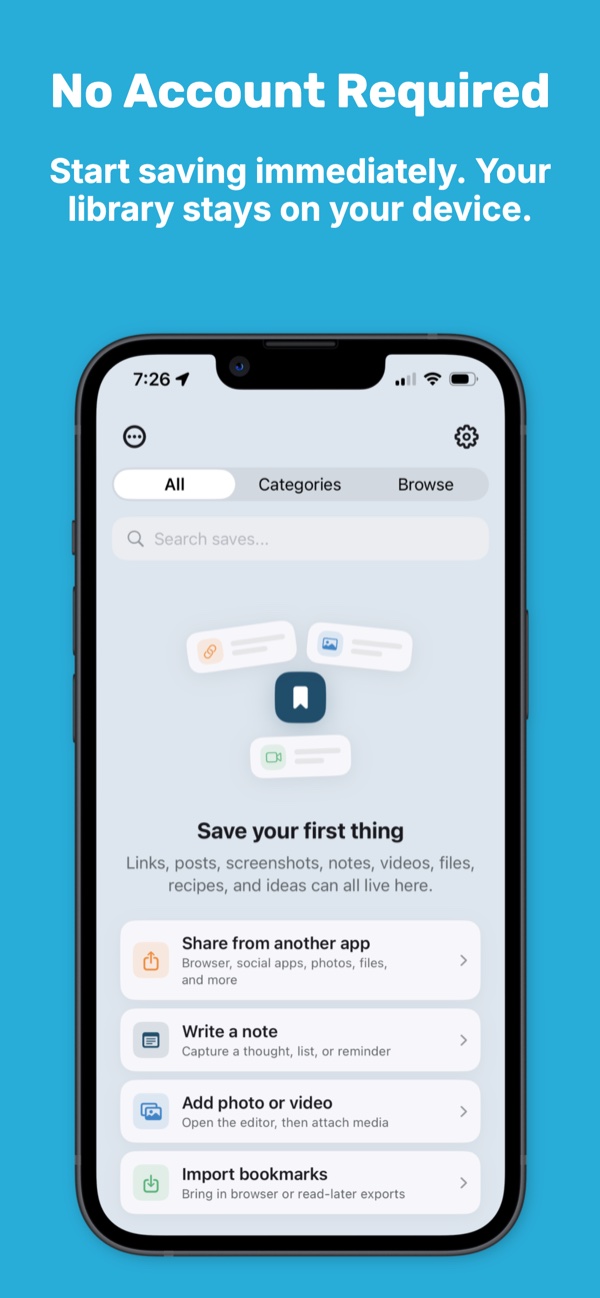
No KeepSpot account, no ads, and no third-party analytics collection.
- Clean views where supported
- Original links preserved
- Local-first
- No account
Save in the moment
Move the article out of your tabs without losing it.
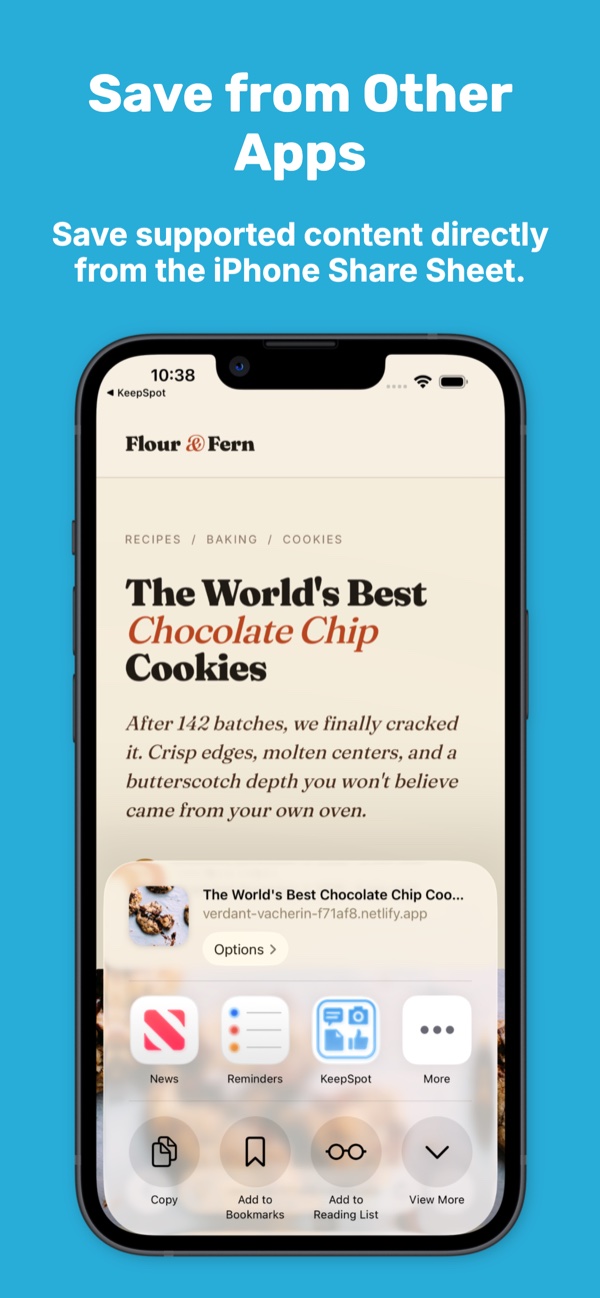
When an article looks worth reading but the timing is wrong, share it to KeepSpot. The save lands in your library so the tab can close and the idea can wait.
- Use the iOS Share Sheet from Safari and other supported apps.
- Add a collection, tags, or a quick note while the context is fresh.
- Search the title and available text when you are ready to return.
- Open the original page whenever you need the publisher's current version.
Less page clutter
A quieter view when the page allows it.
For supported pages, KeepSpot can extract useful article text, images, and details into a cleaner reading view. The original source stays attached, so a simplified copy never replaces the publisher's page.
Some websites limit extraction
Paywalls, login requirements, scripts, and site rules can prevent a clean view. KeepSpot still preserves the original link and whatever information is available.
A reading library with context
Make saved reading easier to rediscover.
A long queue is only useful when you can find the right item again. KeepSpot lets your reading list live alongside the screenshots, notes, recipes, and files connected to the same project.
Local-first privacy
Your reading interests stay out of a KeepSpot profile.
KeepSpot stores your saves in the app's private sandbox and does not send your library to KeepSpot servers. Optional iCloud sync uses your own Apple account.
- No KeepSpot sign-up, email address, or login.
- No advertising, attribution, or cross-app tracking SDKs.
- No third-party analytics collection.
- App Store billing is handled by Apple.
Questions
Read-it-later FAQ
Can KeepSpot create a clean view for every article?
Does KeepSpot require an account?
Can I use KeepSpot for things besides articles?
Can I import an old reading list?
Explore KeepSpot
More ways to clear the backlog
Close the tab. Keep the thought.
Start a private reading library that is ready when you are.
Get KeepSpot on the App Store